AES-256 Encryption Software — What It Is and Best Tools
When you need to secure sensitive files, folders, or entire drives, Advanced Encryption Standard (AES) with a 256-bit key length is the global benchmark. This guide explains how to properly implement it and compares the most reliable tools available today.
What is AES 256 encryption software? It is software that uses the Advanced Encryption Standard algorithm with a 256-bit key—the longest and strongest key size available—to scramble data into unreadable ciphertext. It is considered "military-grade" because it is mathematically impossible to brute-force with current and near-future technology, making it the standard for HIPAA, GDPR, and enterprise data security.
- 1. How Modern Encryption Algorithms Work
- 2. Free & Built-In AES-256 Methods
- 3. Choosing the Right Tool (Quiz)
- 4. Our Dedicated Software Recommendation
- 5. Advanced Encryption Features Explained
- 6. Software & Algorithm Comparison
- 7. Hardware vs Software Tradeoffs (SSD/7-Zip)
- 8. Frequently Asked Questions
What Is AES-256 and Why It Matters for Security
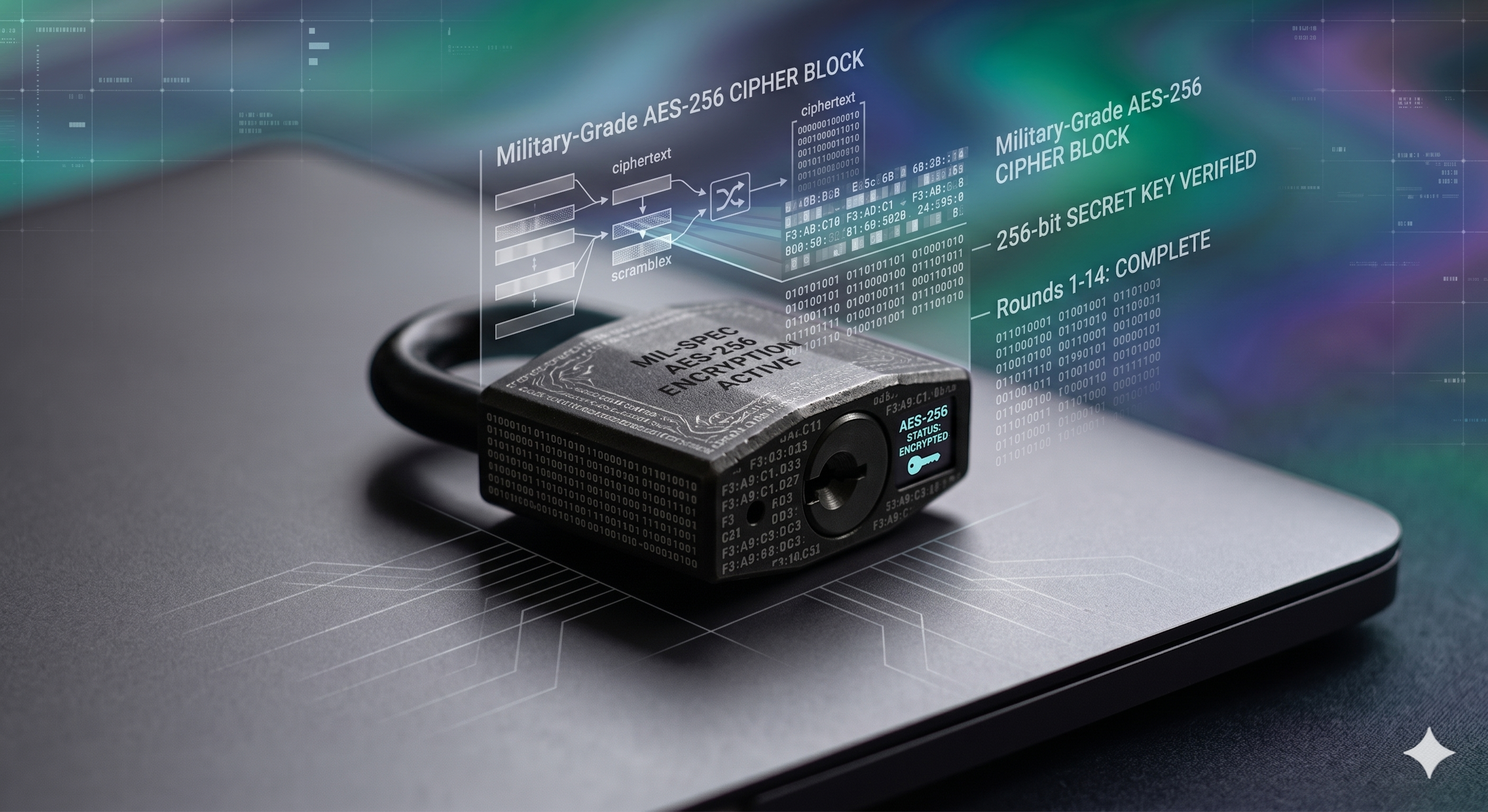
To understand AES 256 file encryption software, you have to look at the underlying mathematics. The Advanced Encryption Standard (AES) is a symmetric block cipher chosen by the U.S. government to protect classified information. Symmetric means the same key is used to lock and unlock the data.
The "256" refers to the key size. A 256-bit key offers $2^{256}$ possible combinations. To put that in perspective, if a supercomputer could check one billion billion keys every second, it would still take billions of years to exhaust the possibilities. This is why tools boasting best data encryption software for enterprises mandate 256-bit over the older 128-bit standard.
Encryption vs Tokenization vs Data Masking
When evaluating data protection, do not confuse AES encryption with other methods:
- Client-Side AES Encryption
- Reversibly transforms the actual data mathematically using a key before it leaves your device. If you upload an encrypted file to a cloud server, the server administrators cannot read it.
- Tokenization
- Replaces sensitive data with a non-sensitive placeholder (token) mapped to a secure database. Commonly used for credit card processing.
- Data Masking
- Hides parts of data (like showing only the last 4 digits of a phone number) for display purposes on a screen.
How to Encrypt Files with AES-256
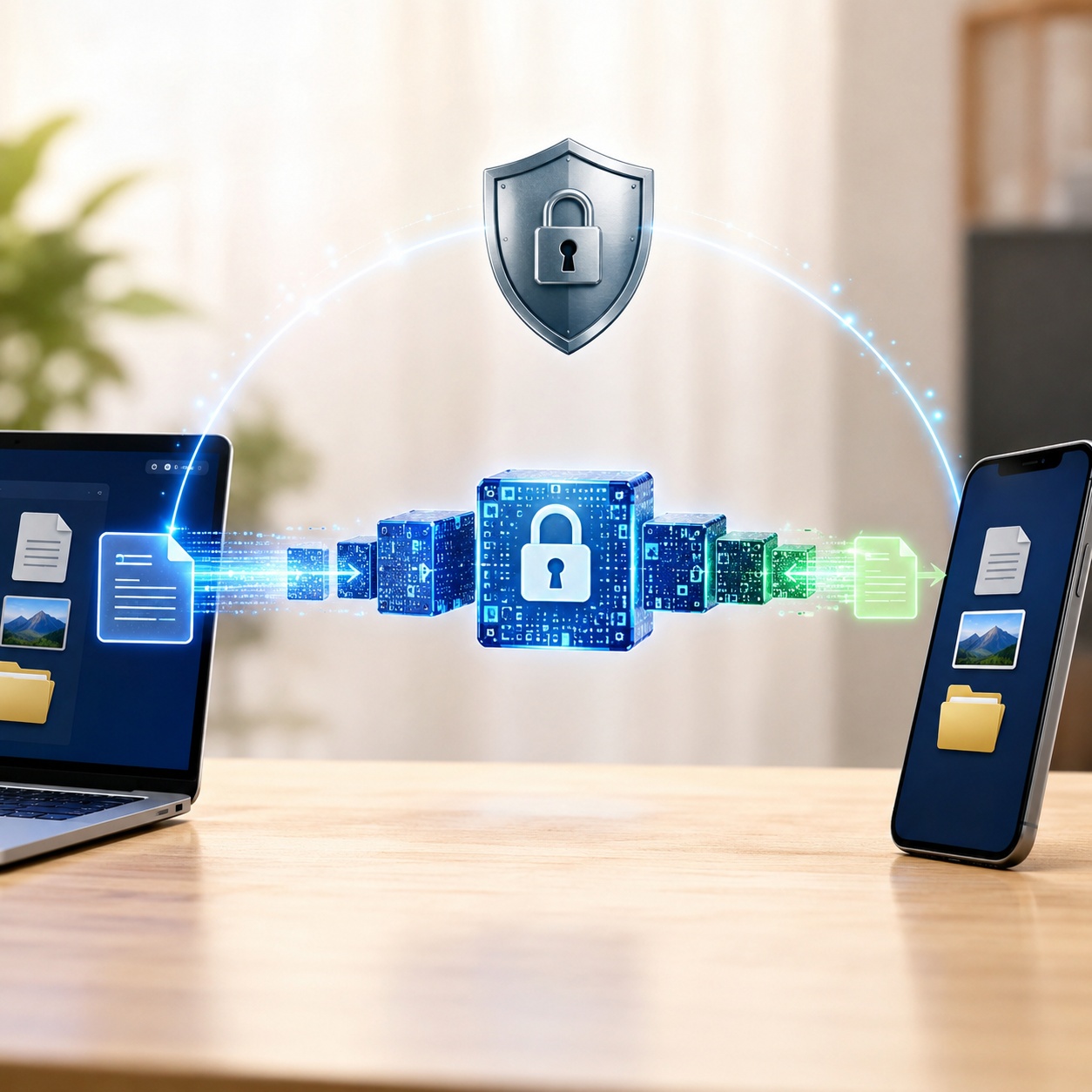
You can deploy AES-256 using built-in OS tools, free archive utilities, or dedicated commercial software. Here is a breakdown of the primary approaches.
Method 1: Full Disk Encryption (Built-in OS)
Moderate DifficultyWindows BitLocker and macOS FileVault both use AES (BitLocker uses AES-128 or AES-256 depending on group policy settings). This is full disk encryption, meaning it protects the entire drive when the computer is turned off.
Limitations: Once the computer is booted and you are logged in, the files are decrypted on-the-fly for the operating system. If someone accesses your unlocked PC, or if you email a file, the encryption does not travel with the data. It only protects against physical theft of a powered-down machine.
Method 2: Archive Encryption (7-Zip / WinRAR)
Low DifficultyMany users ask about archiving tools. For example, when did 7-zip introduce aes-256 encryption? It was introduced back in 2006. You can create a `.7z` or `.zip` format archive and protect it with AES-256.
To encrypt a folder via command line using 7-zip, use this syntax:
7z a -p -mhe=on -mx=9 archive_name.7z "C:\Path\To\Your\Folder"(The -mhe=on flag ensures header encryption, hiding file names within the archive.)
Limitations: Archive tools compress data into a static block. To edit a file inside the archive, the software must extract it to a temporary folder on your hard drive, open it in your editor, and then re-compress and re-encrypt it when you save. This workflow is tedious for files you access daily and leaves temporary, unencrypted traces on your drive during editing.
Choosing the Right Encryption Software for Your Needs
Not sure which tool fits your scenario? Use this quick assessment.
Encryption Type Selector
What are you trying to protect?
The Best AES-256 File Encryption Tool for Active Data
While BitLocker is great for resting laptops, and 7-Zip is fine for cold storage archives, they fail at daily active file protection. For daily use—especially across multiple devices—we recommend a dedicated tool that encrypts files dynamically in RAM and syncs them securely.
AES-256 On-the-Fly • Client-Side Cloud Sync • Portable Lockers
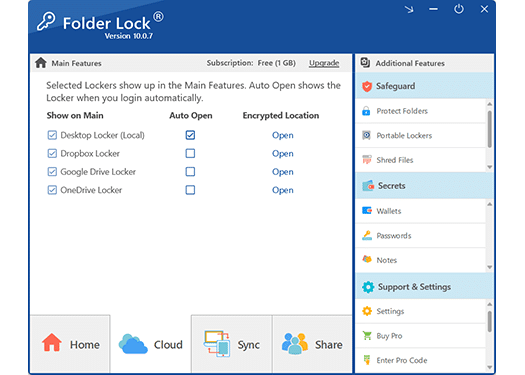
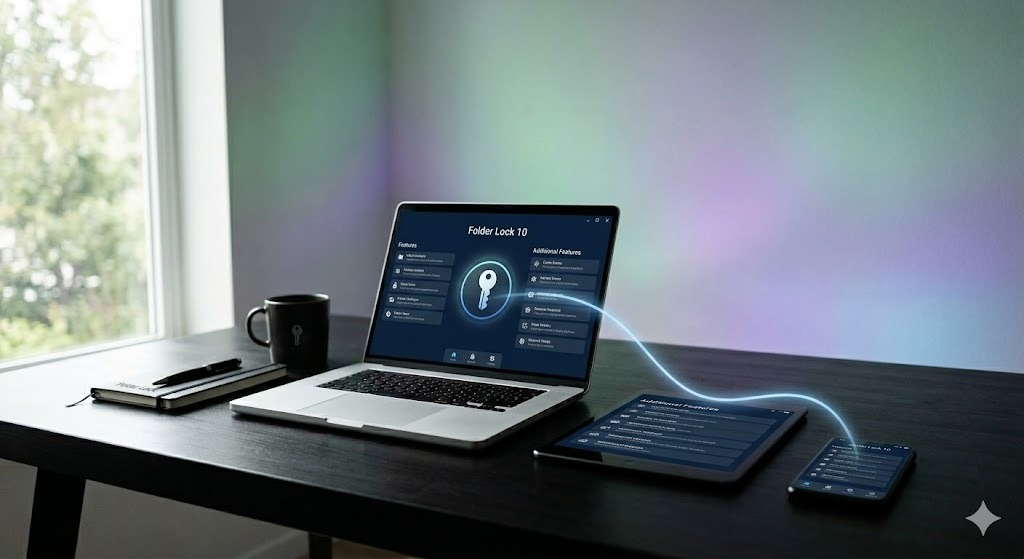
Folder Lock uses AES-256 to create dynamic, encrypted virtual drives. When unlocked, they act like normal folders. When locked, they disappear and the data remains strongly encrypted. It is the ideal encrypt folder software for users who need to actively edit files without compromising security.
Beyond Basic Passwords: Advanced Software Features
If you are evaluating 3rd party encryption software, here are the capabilities that distinguish premium tools like Folder Lock from basic operating system utilities:
- On-the-Fly AES-256 Encryption in RAM
- Unlike archive utilities that extract files to your physical hard drive for editing (leaving behind recoverable traces), proper on-the-fly software mounts a virtual drive. Files are decrypted entirely within your computer's memory (RAM) as you open them. When you close the file, no unencrypted footprint is left on the disk.
- Client-Side Cloud Security
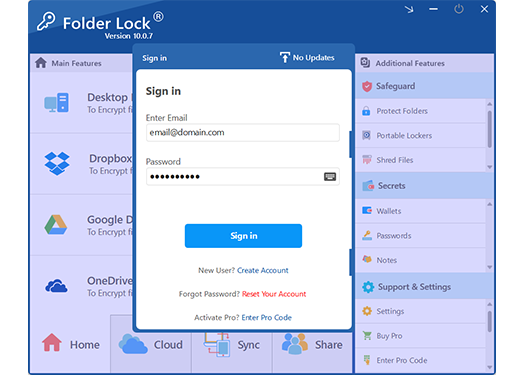
- Cloud services like Dropbox, Google Drive, and OneDrive secure data in transit, but their administrators hold the keys. Dedicated software hooks directly into these services to create "Cloud Lockers." Your data is encrypted locally on your machine before it is uploaded, guaranteeing that if the cloud provider is breached, your files remain unreadable ciphertext.
- Hardware-Independent Portable Lockers
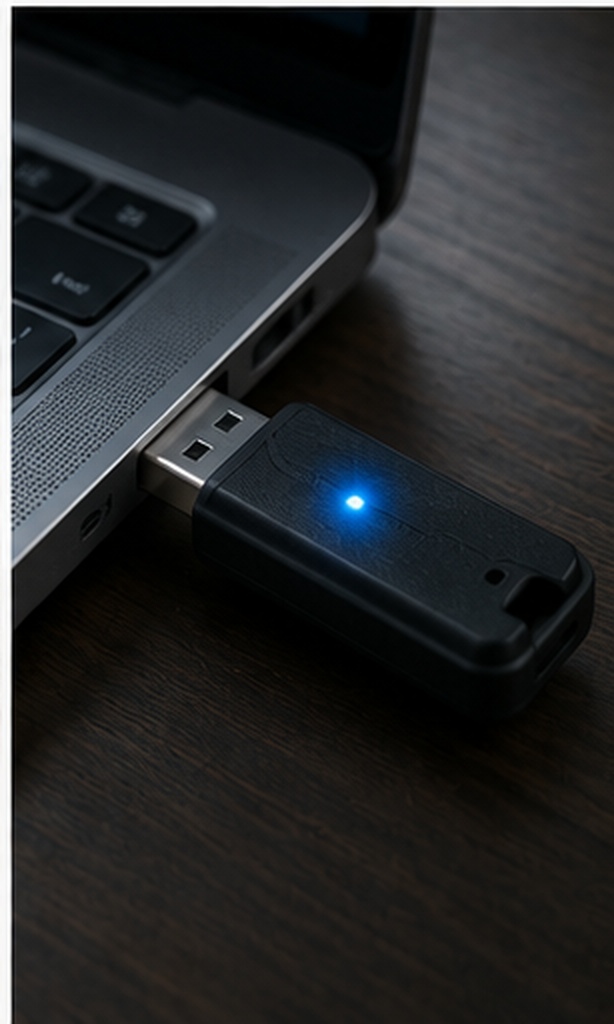
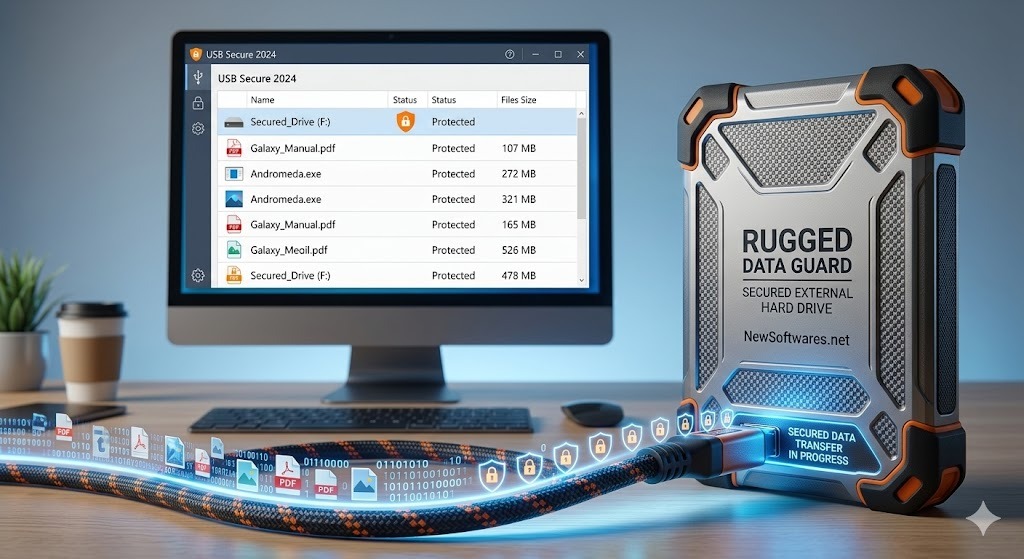
- If you want to carry encrypted files on a USB drive, you don't want to be forced to install encryption software on every computer you plug it into. Premium tools convert your encrypted vaults into standalone, self-executable files (e.g.,
.exeor Mac equivalents). You can plug the drive into a guest PC, run the file, enter your password, and access your AES 256 encryption software for external hard drive data securely. - Asymmetric RSA 4096-bit Sharing
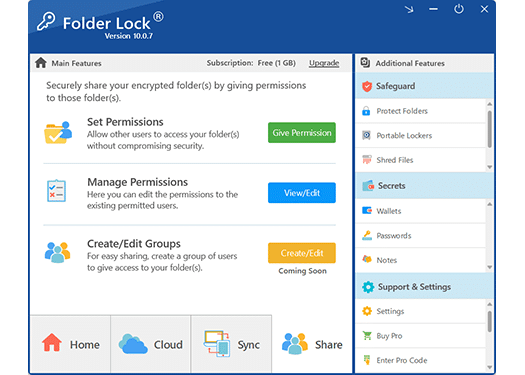
- Sharing a password-protected ZIP file via email usually requires sending the password in a separate, risky message. Modern tools utilize asymmetric cryptography (public and private keys). You can share encrypted files directly with co-workers; the software validates their specific identity, allowing them to open the file with their own password. You never reveal your master key.
- Kernel-Level Locking & Safe Mode Protection
- Sometimes you don't need heavy encryption; you just want to hide a folder quickly. Basic folder hiders can be bypassed simply by booting Windows in Safe Mode. Advanced tools use kernel-level filter drivers that enforce access restrictions at the operating system's core, ensuring folders remain invisible and locked even during a Safe Mode diagnostic boot.
- Hack Security & Permanent File Shredding
- Security isn't just about math; it's about physical access. Mobile versions of these apps can silently use the front-facing camera to photograph intruders guessing wrong PINs. Desktop versions can be configured to automatically log off or shut down the PC after a set number of failed attempts. Furthermore, when deleting sensitive files, the software employs U.S. Department of Defense (DoD 5220.22-M) or Peter Gutmann (35-pass) shredding standards to overwrite the physical sectors on the hard drive, making forensic recovery impossible.

Algorithm & Software Comparison Table
Comparing built-in, open-source, and dedicated commercial options based on security architecture and daily usability.
| Software / Standard | Algorithm Used | Primary Strength | Daily Workflow Limitations |
|---|---|---|---|
| Built-In OS Tools | |||
| Windows BitLocker | AES-128 / 256 (XTS mode) | Protects hardware against physical theft. | Cannot protect individual files from logged-in users; data decrypts when emailed. |
| Open Source Archive & Volume | |||
| VeraCrypt | AES-256, Serpent, Twofish | Plausible deniability via hidden volumes. | High technical learning curve; rigid volume sizes that don't scale automatically. |
| 7-Zip | AES-256 (ZIP and 7z format) | Free archiving for cold data storage. | Leaves unencrypted temp files during editing; tedious extraction process. |
| Dedicated Commercial Software | |||
| Folder Lock | AES-256 + RSA 4096 | Active editing, client-side cloud sync, portable standalone executables. | Requires installation for initial setup; free version limited to 1GB vaults. |
Which Version Do You Need?
Use this checklist to determine if you can manage with free constraints, or if a professional license is required for your data load.
Select your requirements
Check the boxes to the left to see which tier matches your storage and syncing needs.
Technical Tradeoffs & Key Management
How Do I Enable AES-256 Encryption on My SSD?
Many modern solid-state drives come with Self-Encrypting Drive (SED) capabilities, meaning the drive's hardware controller handles the AES-256 mathematics rather than your computer's CPU. This results in zero performance impact.
To enable hardware encryption on an SSD (like a Samsung Portable SSD T7 or internal NVMe):
- Ensure your motherboard supports UEFI and Secure Boot.
- Install the manufacturer's management software (e.g., Samsung Magician).
- Enable the "Encrypted Drive" (eDrive) feature in the software.
- Initialize BitLocker in Windows, which will detect the hardware capability and offload the encryption processing to the drive itself.
manage-bde -status(Run this in command prompt as Admin. If hardware encryption is active, it will state "Hardware Encryption" under the encryption method.)
The "Zero Backdoor" Reality: Key Management
The strength of bank level encryption software for accountants or personal privacy advocates relies entirely on the encryption key. AES-256 cannot be broken mathematically. If an attacker acquires your vault, they cannot "crack" the file—they must guess the password.
Because genuine security software like Folder Lock operates with a strict "no-backdoor" architecture, your master password is never stored on a central server. The software derives the 256-bit mathematical key locally from the password you type. Can encrypted files be decrypted without the key? Absolutely not. If you forget your master password, the developer cannot reset it for you, and your data is permanently inaccessible. You must rely on a secure password manager to store your master credential, or risk total data loss.
What Professionals Say About Dedicated File Encryption
"I handle sensitive healthcare records. Relying on OS passwords wasn't enough for HIPAA compliance. Using dedicated AES-256 lockers ensures that even if a drive is stolen and mounted on another machine, the patient data remains entirely unreadable. The fact that I can sync these encrypted vaults to my cloud provider securely is exactly what our compliance team required."
"I tried using 7-Zip for my active project folders, but extracting and repacking ZIP files every time I edited a document was maddening. Folder Lock's on-the-fly virtual drive solved the workflow problem entirely. It opens like a normal folder, I edit my files in Word, and the moment I close the locker, the encryption is locked down."
Frequently Asked Questions
Is AES-256 military grade encryption?
Yes. The U.S. National Security Agency (NSA) approves the Advanced Encryption Standard with a 256-bit key length for protecting Top Secret classified information. It is the global benchmark for secure data.
What happens to encrypted files if I forget the password?
If you are using legitimate security software with a zero-knowledge architecture (meaning your password is not saved on a company server), your files are permanently unrecoverable. There are no backdoors. It is crucial to store your master password safely.
Can I open encrypted files on a computer that doesn't have the software?
Yes, if the software supports portable executables. For instance, you can convert a vault into a standalone `.exe` file. When you plug your USB drive into a different PC, you just run the file, enter your password, and access your data without needing admin installation rights.
Does zip -e use aes-256 encryption?
The standard `zip -e` command on many Unix/macOS systems uses legacy ZipCrypto, which is very weak and easily broken with modern cracking tools. To use AES-256 with zip files, you must use a modern archiving tool and explicitly select the AES-256 method in the settings.
Which folder lock software uses AES-256?
Folder Lock by NewSoftwares utilizes AES-256 bit encryption to create dynamic, on-the-fly encrypted vaults for Windows, macOS, Android, and iOS platforms. It also supports RSA 4096-bit encryption for secure file sharing.
Does encryption slow down my PC significantly?
On modern computers, the impact is virtually unnoticeable. Most modern processors feature AES-NI (AES New Instructions), which is a hardware acceleration specifically designed to process AES encryption mathematics instantly.
Our Verdict
While native OS tools like BitLocker are excellent for full-drive hardware security, they do not protect active files on a running system. For granular control, seamless cloud synchronization without sacrificing privacy, and cross-device portability, dedicated AES-256 software is required.
For everyday usability combined with uncompromising military-grade security architecture, we recommend Folder Lock.